Skip Wallet Signing
Skip Wallet Signing
Section titled “Skip Wallet Signing”If your service does not require the signing of a wallet, here are the instructions to follow:
This procedure is applied for both webID and mobile app users.
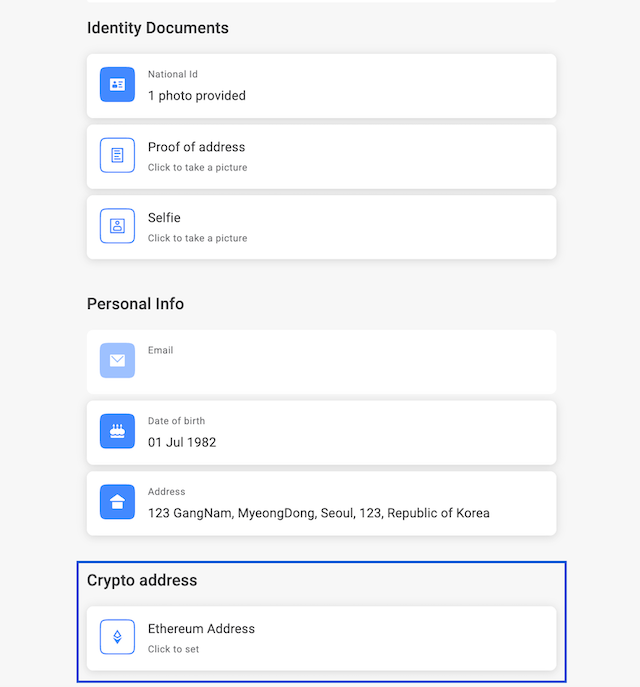
After logging to your identity profile, click on add crypto address (in the example below “Ethereum Address”)
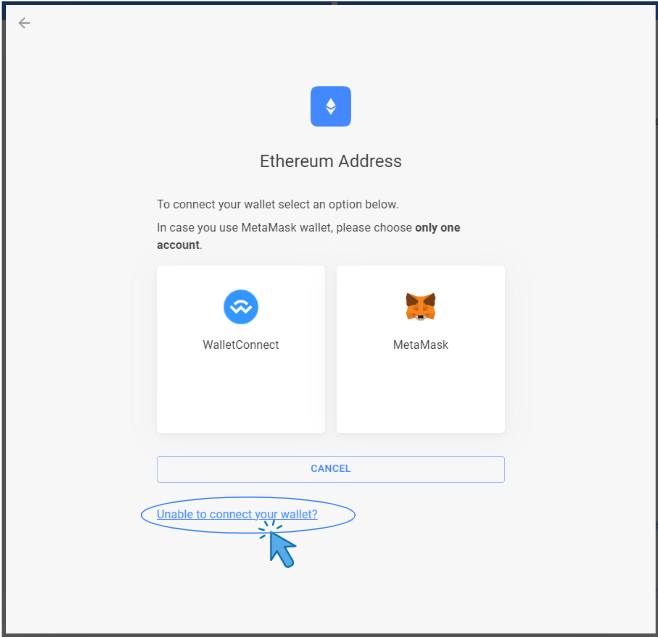
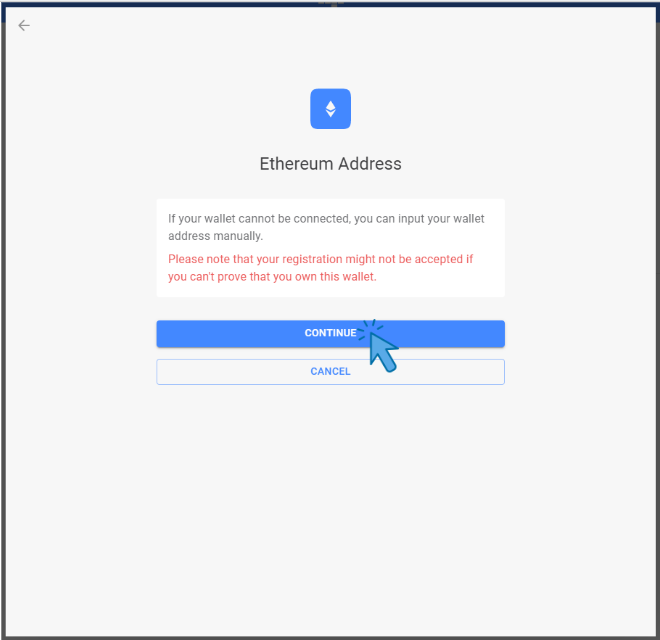
- Click ‘Unable to connect your wallet?’ and ‘Continue’
- Input your wallet and click ‘Add Ethereum address’ -> ‘Copy and Continue’
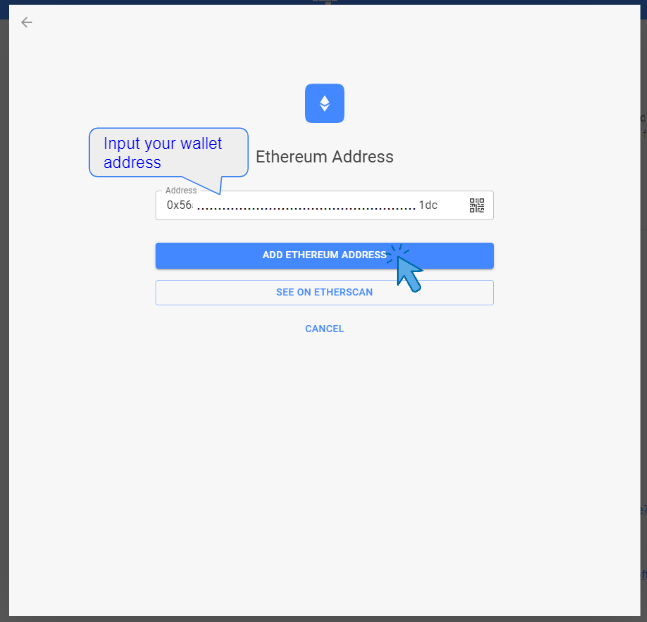
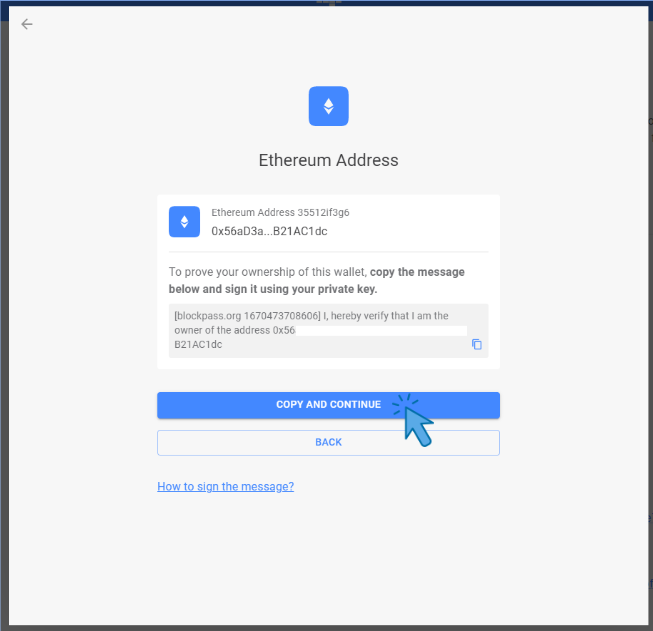
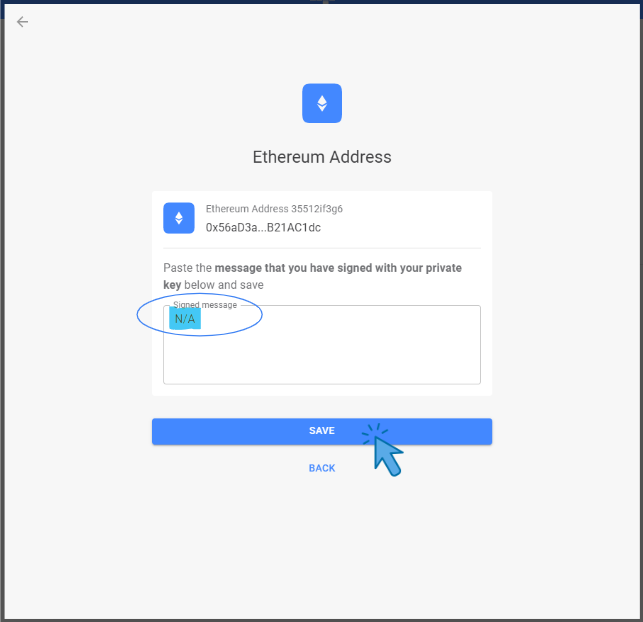
- Input N/A as a Signed message then you are allowed to ‘SAVE’ the wallet